
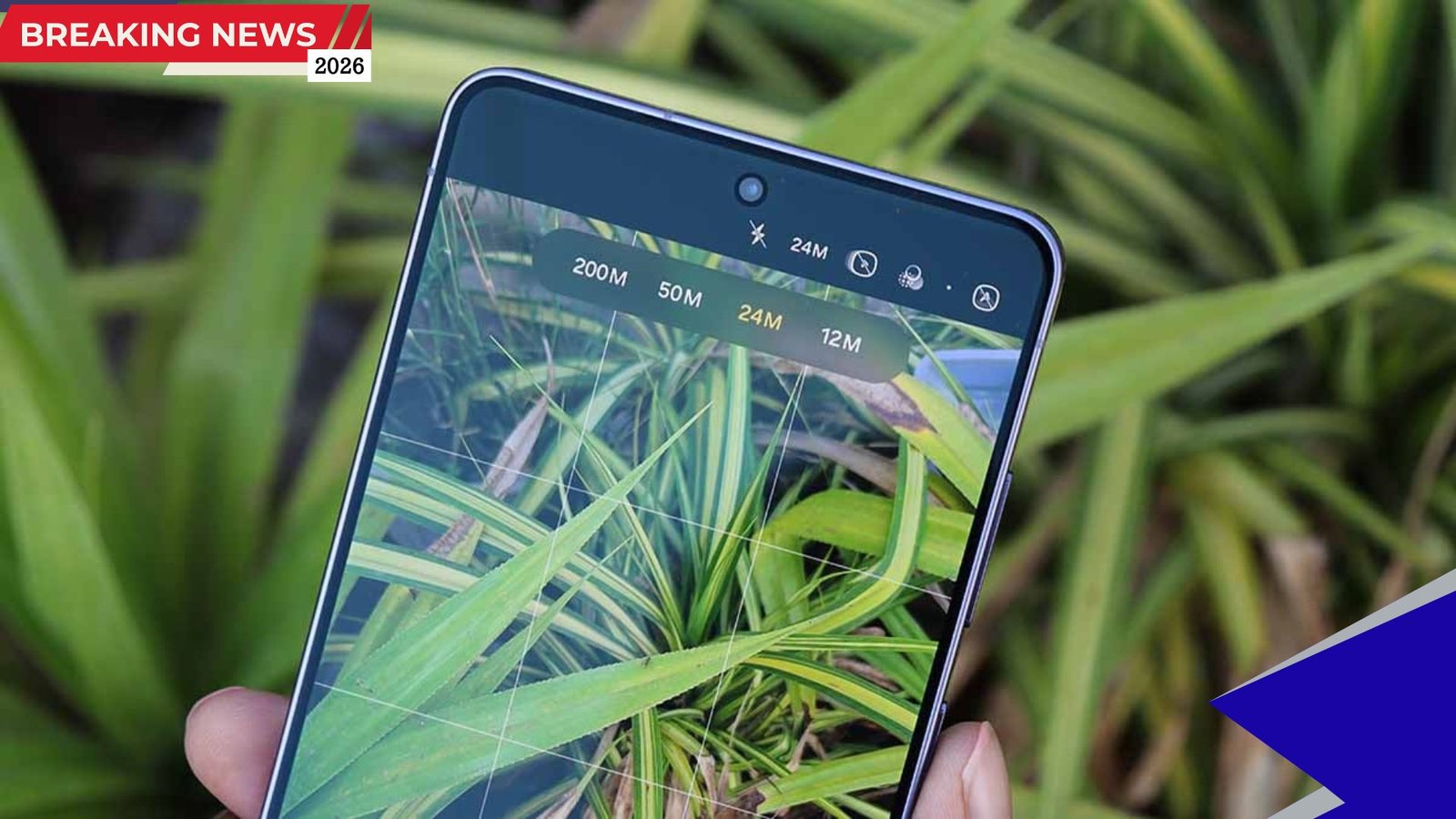
Samsung has launched the new Galaxy S26 series with One UI 8.5, bringing several updates and refinements to its software experience. Among the additions, a practical new feature called “Convert motion photos” has attracted attention for improving compatibility between Samsung devices and smartphones from other Android brands.
The feature focuses on making motion photo sharing easier by automatically recognizing and converting incoming files into Samsung’s native format. This development highlights Samsung’s effort to enhance cross-device usability within the Android ecosystem.
New Motion Photo Conversion Feature Explained
The newly introduced One UI 8.5 feature enables Samsung smartphones to automatically convert motion photos received from other Android devices. Motion photos are short animated images that capture movement before and after a still photo is taken, similar in concept to live photo formats used on other platforms.
On many Android devices, motion data is embedded directly inside the JPG file. However, different smartphone manufacturers encode and package these files differently, which can lead to compatibility challenges when sharing between brands.
With the conversion feature enabled, the system detects incoming motion photos and silently transforms them into Samsung’s native motion photo format. This allows users to preview, edit, and share the files as if they were captured on their own device.
Automatic Background Processing Enhances User Convenience
Once activated, the conversion setting works automatically in the background. Users do not need to manually process each file. Whether the motion photo is received through Bluetooth, WiFi Direct, Quick Share, or another file transfer method, the phone recognizes the file type and performs the necessary conversion.
This streamlined functionality reduces friction in everyday file sharing. Instead of dealing with incompatible formats or losing motion content during transfers, users can maintain the full animated effect.
The activation path for the feature is located in the device settings under Advanced Features. After enabling the option once, the phone continues to handle incoming motion photo files without further intervention.
Motion Photo Conversion Feature Overview
| Feature Aspect | Details |
|---|---|
| Feature Name | Convert motion photos |
| Software Version | One UI 8.5 |
| Function | Automatically converts motion photos from other Android brands |
| Supported Transfer Methods | Bluetooth, WiFi Direct, Quick Share, file transfer |
| User Interaction | One-time activation required |
Focus on Utility Rather Than Flashy Additions
Unlike some software updates that emphasize artificial intelligence or cloud-based services, this One UI 8.5 feature is designed around straightforward functionality. The system processes compatible files locally without requiring subscriptions or additional integrations.
This approach reflects Samsung’s focus on improving everyday usability rather than introducing complex new tools. By simplifying how motion photos are handled across devices, the feature addresses a practical limitation that many Android users have experienced.
The silent background operation also ensures that the user experience remains smooth and uninterrupted. Files can be accessed immediately after transfer without extra steps or configuration.
Expected Rollout to Older Samsung Devices
Although the feature debuted with the Galaxy S26 series, reports indicate that it is expected to reach older eligible Samsung devices through upcoming software updates. Flagship models such as the Galaxy S25 and Galaxy S24 are likely to receive the update first.
The rollout timeline suggests that updates for recent flagship devices could arrive within weeks. Wider availability for mid-range and budget models is expected to follow gradually through the second quarter of 2026 or later.
At present, the Galaxy S25 lineup is reportedly still running beta versions of One UI 8.5. This indicates that while the new software has launched in stable form on the Galaxy S26 series, broader deployment across Samsung’s device ecosystem is still in progress.
Expected One UI 8.5 Rollout Timeline
| Device Category | Expected Update Period |
|---|---|
| Galaxy S26 Series | Already shipped with stable version |
| Galaxy S25 and S24 | Update expected within weeks |
| Mid-Range Devices | Phased rollout through Q2 2026 |
| Budget Devices | Later phases after flagship updates |
Improving Android Ecosystem Interoperability
The introduction of motion photo conversion highlights ongoing efforts to improve compatibility across different Android manufacturers. As brands develop unique software features and file formats, interoperability challenges can affect user experience.
By enabling automatic format recognition and conversion, Samsung is addressing a long-standing usability issue. This feature may help users share multimedia content more seamlessly without worrying about format limitations.
Such updates can contribute to a more unified Android experience, particularly as file-sharing methods continue to evolve. Enhancing compatibility between devices can also encourage broader adoption of features like motion photography.
Conclusion
The new motion photo conversion feature introduced with One UI 8.5 on the Galaxy S26 series represents a practical step toward improving cross-brand compatibility within the Android ecosystem. By automatically converting motion photos received from other devices, Samsung aims to simplify content sharing and reduce usability barriers.
Although not a headline-grabbing upgrade, the feature focuses on everyday convenience and functionality. With a phased rollout planned for older flagship, mid-range, and budget devices, more Samsung users are expected to benefit from this capability in the coming months.
For readers and smartphone users, the key takeaway is that software refinements like this can significantly enhance real-world device interactions, even without introducing major visual or performance changes.